
Flux 2 Dev AI Image Generator
Flux 2 Dev combines image-to-image and text-to-image generation with advanced editing. Outputs maintain high quality, style consistency, and clear details across multiple scenes.
Loading model...
Flux 2 Dev Highlights
Flux 2 Dev provides high-speed image generation, accurate color control, flexible editing, and reproducible outputs. The system supports multi-reference inputs, natural language prompts, and detailed visual transformations.

Precise Image-to-Image Editing
Flux 2 Dev enables controlled modifications on existing images, preserving structure and enhancing textures, lighting, and details for production-quality results.
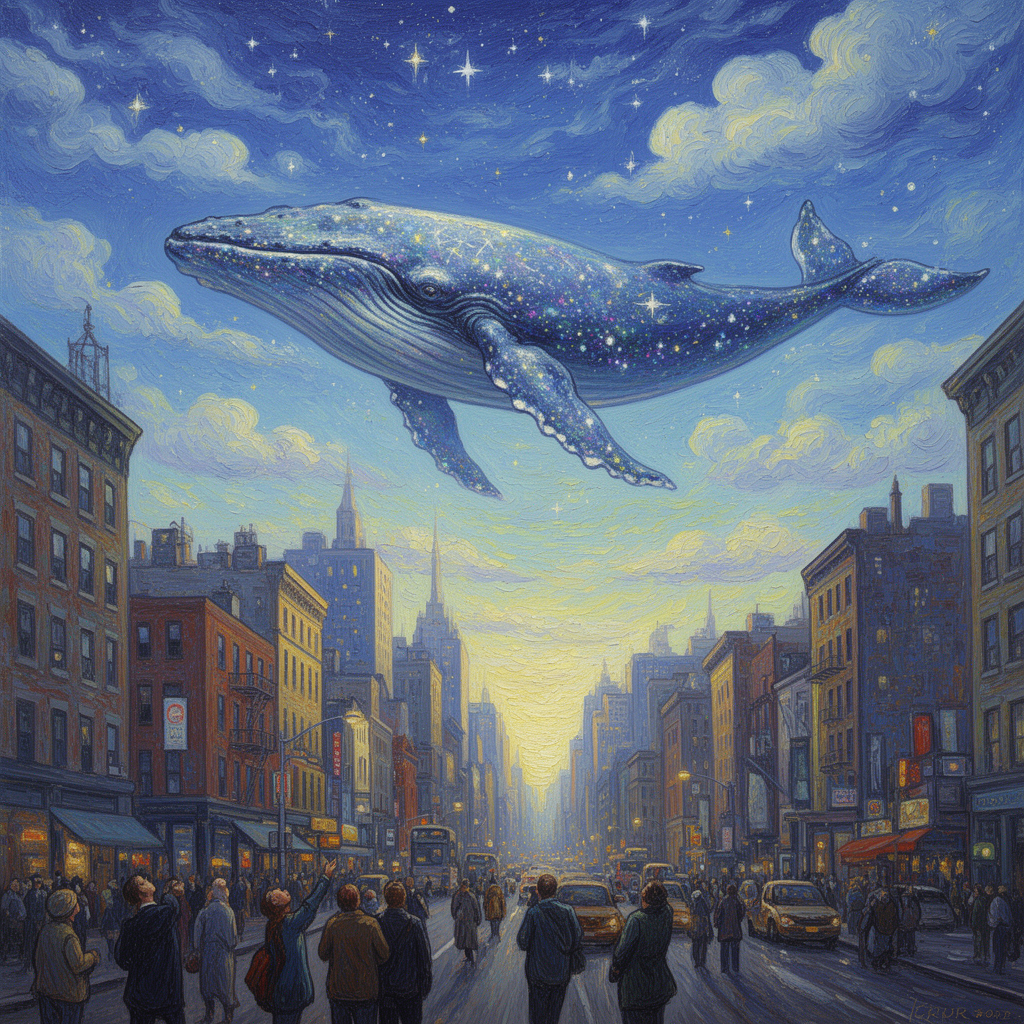
Natural Language Control
Users can edit objects, materials, colors, and scenes using descriptive prompts. Flux 2 Dev interprets instructions accurately for detailed transformations.

Hex Color Accuracy
Flux 2 Dev applies exact colors for product images, branding, UI elements, and backgrounds, maintaining visual consistency across edits.

Efficient and Reproducible Output
Flux 2 Dev delivers consistent results using deterministic seeds, enabling rapid iteration and reliable output for multiple images and workflows.
Six Applications of Flux 2 Dev
Flux 2 Dev supports multiple creative and production scenarios, combining speed, precision, and high-quality outputs. The system adapts to diverse workflows with consistency and flexibility.
🎬 Video and Film Production
Modify characters, replace elements, or regenerate scenes while preserving realism and alignment across frames.
📱 Social Media and Marketing Content
Create engaging visuals with precise edits, color adjustments, and consistent style for campaigns and posts.
🖼 Product Visualization
Apply accurate hex colors, maintain branding consistency, and produce high-fidelity product images for catalogs and online media.
🎮 Gaming and 3D Assets
Generate textures, avatars, and environment assets, preserving style and detail across multiple references and scenes.
🧠 Research and Design Studies
Experiment with visual perception, concept development, and controlled transformations for academic or creative research.
🎨 Creative Artwork
Combine style, layout, and detail precision to produce illustrations, experimental compositions, and refined digital art.
Experiences with Flux 2 Dev
Users report fast iteration, clear output, and controllable editing across multiple projects. Flux 2 Dev streamlines production workflows while preserving high visual fidelity.
Emma L.
-Visual Designer
Flux 2 Dev improved every edit. Transitions appeared realistic and required minimal manual correction. Users appreciate the consistent blending of textures, accurate alignment, and smooth visual adjustments across multiple images.
Daniel M.
-Content Creator
Workflow efficiency increased. Each output retained structural consistency even with complex edits. The model ensures fine details remain intact, providing stable results across iterative changes and multi-scene projects.
Sophia T.
-Marketing Specialist
Team produced localized visuals faster. Flux 2 Dev maintained style and clarity for multiple campaigns. It supports consistent color application, precise composition, and smooth adaptation to different marketing assets.
Ryan K.
-Animator
Rendering of motion and detail remained precise. Each frame kept alignment and visual balance. The model preserves continuity across sequences and allows quick adjustments without losing quality.
Lena D.
-Research Engineer
Generated samples accurately supported studies in digital content and identity simulations. Flux 2 Dev delivers reproducible outputs, maintains structural integrity, and handles multiple reference images effectively for research purposes.
Marco S.
-Creative Technologist
Real-time editing results were stable. Control over edits and realism supported production demands. Users found it reliable for rapid prototyping, maintaining visual consistency, and applying controlled modifications across multiple workflows.
Frequently Asked Questions
Guidance on using Flux 2 Dev, its performance, and scenarios for application. Answers cover usage, advantages, timing, and practical workflows.
How to use Flux 2 Dev?
Select text or image inputs and define modifications. Flux 2 Dev applies instructions automatically, performing image-to-image edits, text-to-image generation, or hybrid adjustments without manual intervention.
What advantages and features does Flux 2 Dev provide?
High-fidelity outputs, multi-reference support, hex color control, fast iteration, reproducible results, and efficient computational requirements make Flux 2 Dev suitable for professional workflows.
How long does generation take?
Typical processing ranges from 30 seconds to 2 minutes depending on resolution and complexity. Higher-resolution edits or multiple references may require slightly more time.
How does Flux 2 Dev differ from previous versions?
Flux 2 Dev provides lighter architecture, open weights, enhanced color and style control, multi-reference consistency, and faster inference while maintaining output fidelity compared to earlier models.
Is commercial use allowed?
Yes. Outputs from Flux 2 Dev can be used in campaigns, advertisements, production projects, and other commercial applications without restriction.
Which scenarios benefit from Flux 2 Dev?
Video and film production, social media content, product visualization, gaming assets, research and design studies, and creative artwork all benefit from the speed, precision, and flexibility of Flux 2 Dev.